
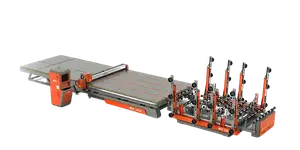

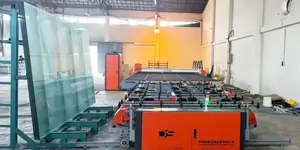
Entering the world of CNC glass cutting can feel overwhelming, especially when you are just starting to evaluate the software that controls the entire process. The right program does more than simply translate drawings into machine paths—it determines edge quality, cycle time, material yield, and even the safety of your operation. This guide is designed for beginners who need a clear, practical understanding of what CNC glass cutting software should do, how to evaluate it, and why an experienced partner like DISAI can make the difference between a frustrating trial-and-error period and a smooth, professional installation.
What Is CNC Glass Cutting Software?
CNC glass cutting software is the digital brain of an automated glass cutting table. It takes geometric data from CAD files or custom shapes and generates optimized cutting paths for a machine equipped with a scoring head or a waterjet nozzle. Unlike generic CAM software, glass cutting programs must account for brittle material behavior, cutter pressure, wheel angle, and break-out considerations. For a beginner, understanding this distinction is critical—you are not just learning a generic drawing tool; you are engaging with a specialized application layer that directly affects glass breakage and edge quality.
Core Roles of the Software
- Nesting: Arranging irregular shapes on a standard sheet to minimize waste and maximize yield.
- Path Generation: Creating continuous, precise scoring lines with appropriate speed and pressure.
- Machine Control: Sending commands to the servo drives, lift tables, and breaking systems.
- Error Margins: Compensating for wheel wear, glass thickness variation, and temperature changes.
Key Features to Look for in Beginner-Friendly Software
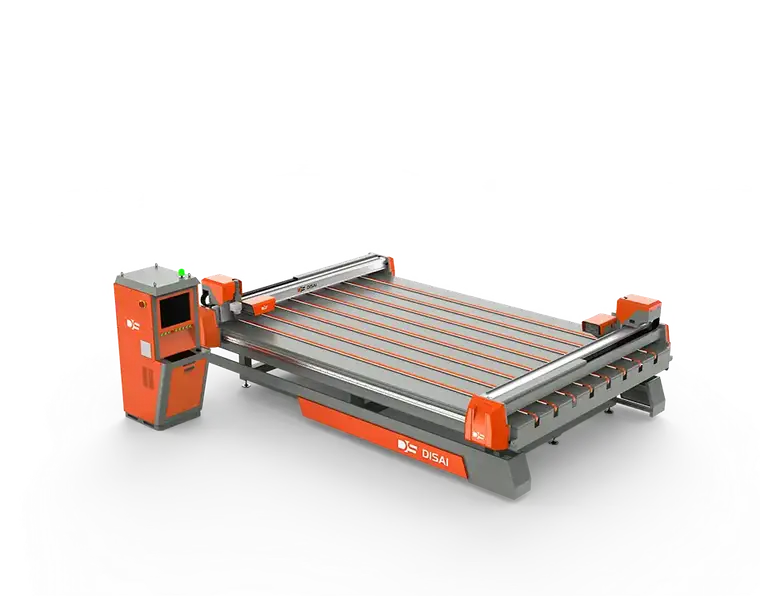
Not all software is created equal. Some are built for high-volume industrial operations, while others suit small workshops. As a beginner, you need a balance between capability and usability. The following features should be at the top of your checklist:
1. Intuitive Drawing and Import Tools
You should be able to import DXF/DWG files directly, or quickly draw simple rectangles, circles, and polygons within the software interface. Look for visual feedback, undo history, and snap functions that make design work forgiving.
2. Automatic Nesting with Manual Override
Automatic nesting saves time, but manual editing capability is equally important. You may need to prioritize a critical part or avoid a defect in the glass sheet. A flexible nesting engine lets you adjust rotation, spacing, and edge margins without fighting the program.
3. Simulation and Collision Avoidance
A simulation preview shows the cutting sequence before glass is placed on the table. This helps you spot unnatural paths, unnecessary lifts, or potential collision with clamps. For beginners, visual simulation is the fastest way to learn how the machine thinks.
4. Variable Speed and Pressure Control
Glass thickness and type require different scoring parameters. Good software stores recipes for 2mm, 3mm, 4mm, 5mm, 6mm, 8mm, 10mm, and 19mm glass, and lets you fine-tune speed and pressure for coated or laminated materials.
5. Data Integration and Reporting
Track how much glass you cut, how long each job takes, and what the scrap rate is. This data can be exported to Excel or ERP systems. For a small business, accurate reporting is the first step toward improving efficiency.
How to Compare: Proprietary vs. Open-Standard Software
One of the first decisions you will face is whether to use the software that comes with your cutting table or generic CAD/CAM alternatives. Here is a straightforward comparison to guide you:
| Aspect | Proprietary (Machine-Branded) Software | Open-Standard / Third-Party Software |
|---|---|---|
| Compatibility | Guaranteed to work with a specific machine model | Requires post-processor configuration for each machine |
| Learning Curve | Often streamlined for the hardware | May include many features irrelevant to glass |
| Support | Direct from the machine builder | Depends on the software vendor, not the machine builder |
| Update Frequency | Tied to machine release cycles | Can be more frequent but must still be validated |
For most beginners, the safest route is to start with the proprietary software provided by a reputable equipment manufacturer, such as DISAI. This eliminates the guesswork of integrating hardware and software from different vendors. As you gain experience, you can explore third-party tools for advanced needs.
Why DISAI's Approach Matters for Beginners
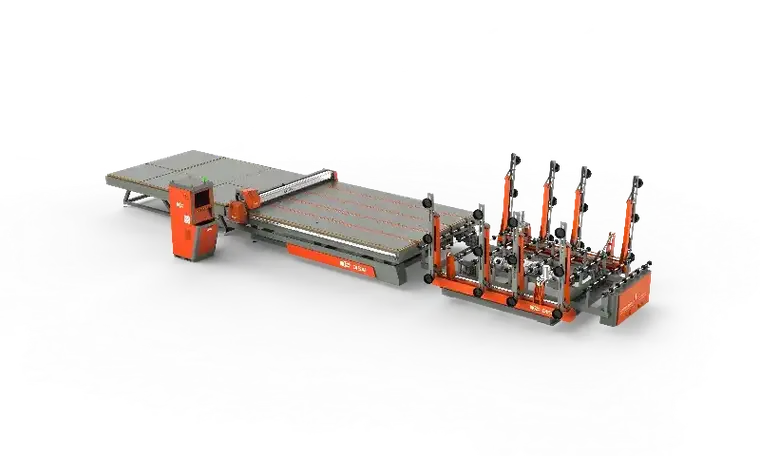
DISAI is a well-known name in the glass processing industry, offering not only CNC cutting tables but also dedicated software that has been refined over years of real-world installations. For a beginner, choosing DISAI means you are not just buying a machine—you are adopting an ecosystem designed to reduce downtime and technical risk.
Pre-Configured Machine Parameters
DISAI's software arrives with pre-loaded profiles for their cutting tables. You do not need to calculate acceleration curves or servo gains manually. This dramatically lowers the barrier to entry. Instead of spending weeks tuning the system, you can make your first cuts on the first day.
Built-In Training Mode
DISAI includes a simulation mode that allows operators to practice on a virtual table. This is invaluable for training new staff without risking expensive glass sheets. The software guides you step by step, teaching you how to set origin points, adjust cutting pressure, and manage unloading sequences.
Scalable from Small Shop to Factory Floor
Even if you start with a small table, DISAI's software supports multi-table and multi-shift operations. The database structure allows you to duplicate jobs, maintain a library of common shapes, and later connect to a central server. This means your software investment does not become obsolete as your business grows.
Practical Steps to Get Started with CNC Glass Cutting Software
Here is a concrete workflow that any beginner can follow, regardless of the software version you choose:
- Master the user interface. Spend two to four hours exploring menus, creating simple shapes, and running simulations. Do not connect the machine during this phase.
- Set up a material library. Create entries for the glass thicknesses you actually use. Record recommended speed, pressure, and wheel data from your glass supplier or machine manual.
- Run a dry cycle. With no glass on the table, run a file and observe the head movement, lifting actions, and rotation. Verify that all motions match your expectation.
- Test on scrap glass. Use low-cost or broken pieces to fine-tune scoring pressure. Aim for a continuous, slightly visible score line without deep cracks.
- Document your parameters. Keep a notebook or digital log of which settings produce the best break on each glass type. This becomes your reference for future jobs.
Common Pitfalls and How to Avoid Them
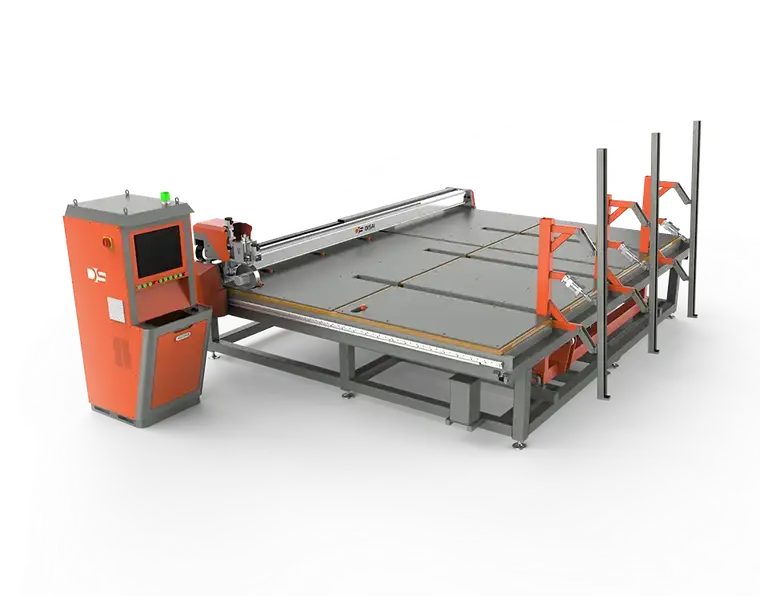
Beginners often make a few predictable mistakes. Being aware of these will save you time and material:
- Ignoring glass grain direction. Some coated or laminated glass has a preferred cutting direction. Use the software to rotate the cutting path accordingly.
- Overloading the nesting area. Leave at least 5–10 mm between shapes, and more for thicker glass, to prevent micro-cracks from intersecting.
- Skipping simulation for new designs. Always simulate at least once, even for a simple rectangle. The software may choose a different start point than you expect.
- Using the wrong wheel. The software cannot compensate for a dull or incorrect cutter wheel. Check wheel condition regularly.
Frequently Asked Questions
Do I need to know programming to use CNC glass cutting software?
No. Modern software, including DISAI's offerings, uses visual programming. You draw shapes, set properties, and let the software generate the code. Basic computer literacy is sufficient.
Can I use the software for cutting glass without a CNC machine?
You can use the simulation and nesting features for manual glass cutting preparation, but the real benefit is realized when connected to a CNC table. The software is the interface to the machine's motion controller.
How long does it take to learn CNC glass cutting software?
With guided training and daily practice, most operators are productive within one week. Advanced optimization techniques may take months to master, but basic cutting can be learned quickly.
Does DISAI provide remote support for software issues?
Yes, DISAI offers online remote diagnostics and updates for their software packages. This is especially helpful for beginners who may need quick adjustments to parameters.
Final Thoughts
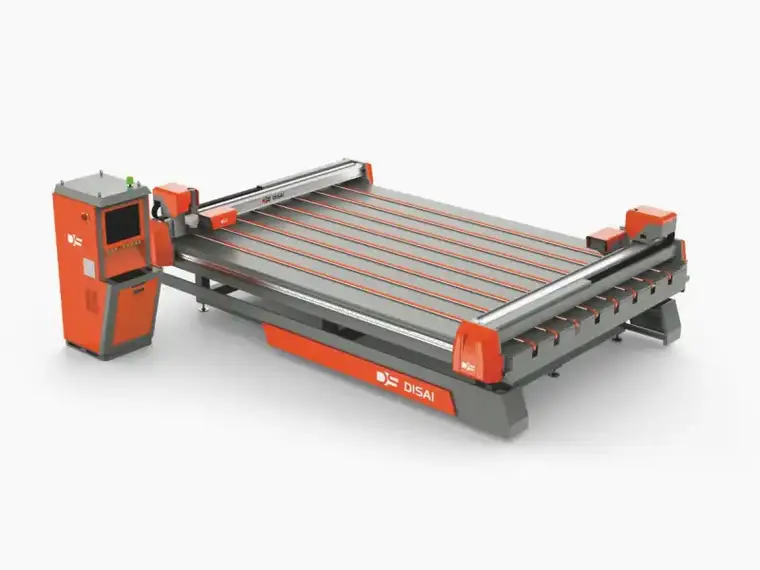
Choosing and learning CNC glass cutting software is not a trivial task, but it is a skill that pays off in material savings, consistent quality, and the ability to take on more complex projects. Focus on the fundamentals: understanding the interface, learning to set correct parameters, and using simulation to prevent mistakes. When you select a partner like DISAI, you gain both a reliable machine and a software ecosystem that respects the learning curve of new users. Start with small parts, document everything, and gradually expand your capabilities. The software is your tool, but your understanding is what turns raw glass into a finished product.